
Step-by-Step Guide to Designing a Stunning Social Media Profile Picture with Canva
Step-by-Step Guide to Designing a Stunning Social Media Profile Picture with Canva
By Inuri
Published Dec 13, 2025
5 min read
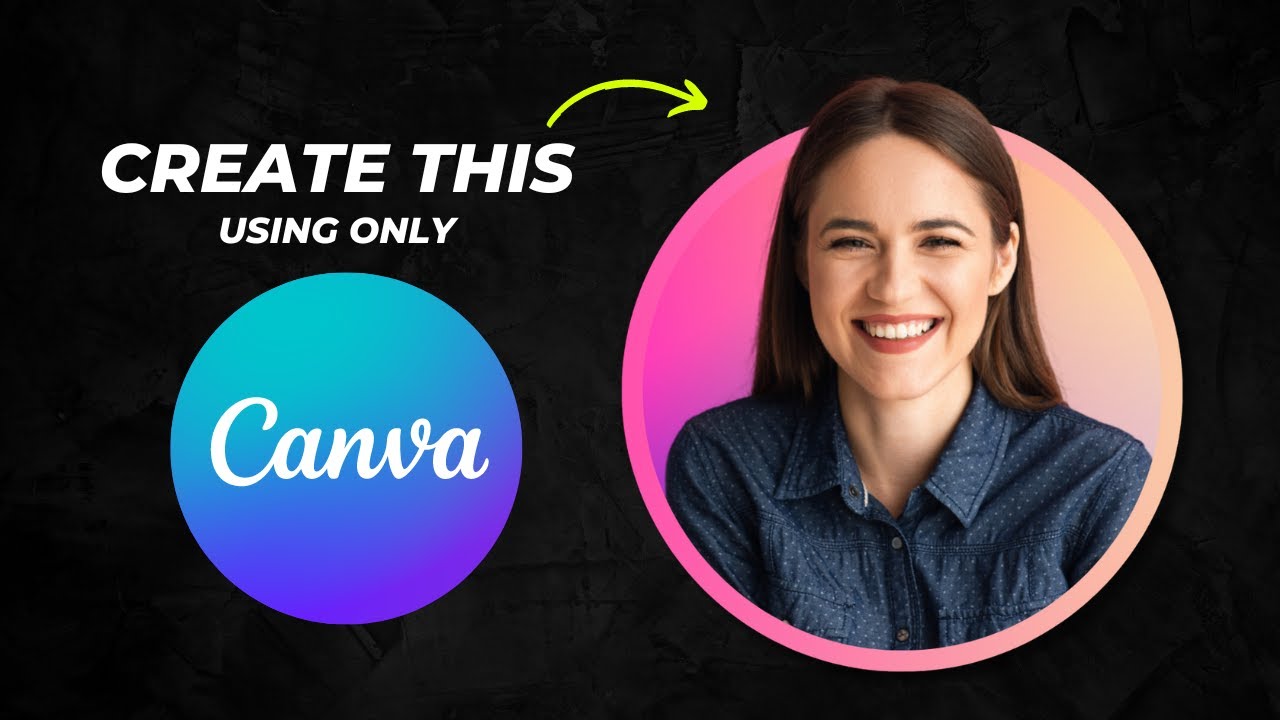 |
| Step-by-Step Guide to Designing a Stunning Social Media Profile Picture with Canva Creating an eye-catching profile picture for your social media accounts is crucial in today's digital age. A well-designed profile image not only enhances your online presence but also helps you stand out in a crowded space. In this guide, we will walk you through the process of designing a profile picture with a unique head pop-out effect using Canva, an easy-to-use graphic design tool. Whether you are using the free version or have access to the pro features, we've got you covered! Getting Started with CanvaTo begin your journey into creating stunning designs, you'll first need to sign up for Canva if you haven’t already done so. Head over to canva.com and create an account. Canva offers both a free and a pro version, and while this tutorial will utilize features available in the free version, the pro version does provide additional tools for enhanced editing. Create Your Design
Uploading Your Photoyour professional image is the foundation of your profile picture.
Cropping and Positioning Your Photo
Removing the BackgroundRemoving the background from your image can enhance the overall look of your profile picture. Using Canva Pro FeaturesIf you're using the pro version, it’s quite simple:
Free Alternatives to Remove BackgroundIf you’re on the free version, there are excellent workarounds:
Adding a Striking BackgroundOnce your subject is isolated, it’s time to bring your design to life with an impactful background.
Creating the Pop-Out EffectNow we’re entering the fun part: adding a pop-out effect to your profile image!
Customizing the Frame ColorUsing gradients within your frame can add a dynamic visual interest:
Finalizing Your DesignOnce satisfied with our pop-out profile picture:
ConclusionNow that you’ve crafted a striking profile picture with a pop-out effect, you can confidently display it on your social media or website to enhance your online presence! Canva's user-friendly tools let you unleash your creativity without needing advanced design skills. You can revisit this guide anytime you want to refresh your profile image or explore other templates available on Canva. If you found this tutorial helpful, feel free to bookmark our guide for reference, and don’t hesitate to share your design creations. Happy designing! |


 Postagens


Nenhum comentário:
Postar um comentário